

The most powerful and versatile option to record and edit your audio files.
Audacity is a powerful free audio recording and editing program that, due to its versatility and good results, has become one of the most downloaded in recent years. Developed and distributed as open source software, Audacity is the favorite choice among beginners and professionals in the music and audio industry. And it surpasses rivals such as REAPER, Ableton Live, or Garageband, Audacity stands out as number one thanks to its wide range of tools and user-friendly interface accessible to everyone. Would you like to fully understand why it is the favorite software for recording and editing audio tracks?
What is Audacity and what is it used for?
Audacity is an open-source program with which you can record and edit any audio track. It is powerful and versatile, which has gained the trust of musicians, podcasters, and recording enthusiasts from all over the world. With it, you can perform all kinds of audio editing tasks such as copying, cutting, mixing, or applying sound effects. It is also perfect software for recording directly through a microphone as well as improving the sound quality of a track. That is why, for many, it is an indispensable tool for making podcasts.
Interface: Easily edit your audio tracks
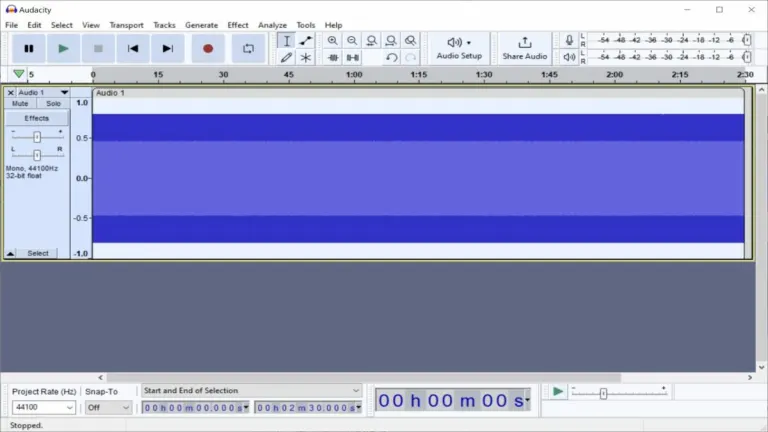
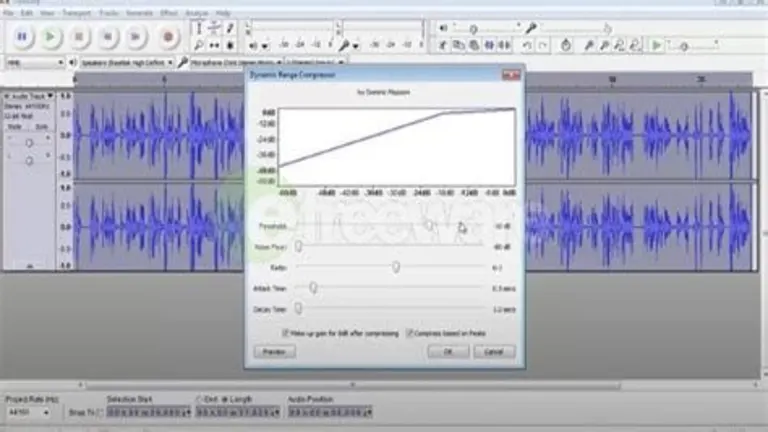
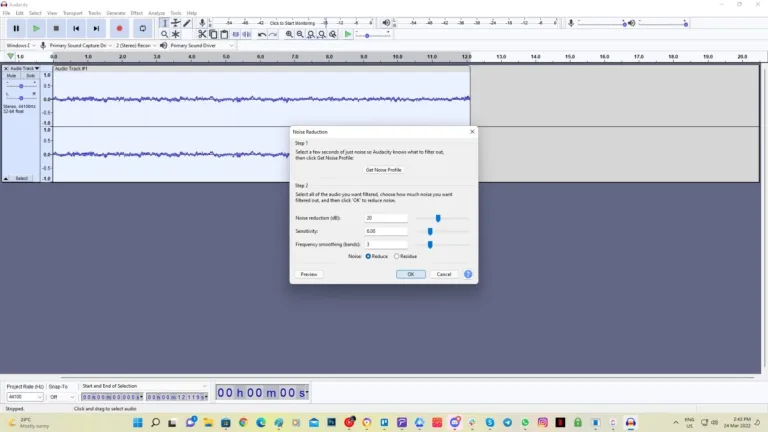
Unlike other editing programs, Audacity stands out for being very easy to use. This is mainly due to its simple, intuitive, and perfectly organized user interface. From its main window, you will have a clear view of the audio waveform, being able to perform basic functions such as cutting, pasting, or adjusting volume levels in just a few clicks.
Performance: Outstanding audio quality with a few setbacks
One of Audacity's strengths is its ability to edit any audio track without compromising its fidelity. If you are working on a small project, you will be glad to know that the program will hardly affect the performance of your computer. However, as projects become more complex, it is common to experience slowdowns on computers with limited resources. Despite this, it is a fast and efficient option to carry out any post-production process.
Compatibility: What types of files does Audacity accept?
Audacity is compatible with most audio formats on the market, making it a perfect choice for any recording and sound editing task. Among the main file types supported by the program are:
- WAV
- MP3
- AIFF
- FLAC
- OGG
- AAC
- M4A
- AC3
- MP2
- AMR
A must-have for all your audio projects
Audacity is an excellent free audio editing tool, easy to use and offering all the necessary functions for both recording and performing any sound post-production task. Its intuitive interface, wide range of tools, and comprehensive library of effects make it a perfect choice for both beginners and professionals in the industry. Despite some performance issues on computers with limited resources, Audacity is undoubtedly essential for editing or enhancing any sound track.



.png)



















User reviews about Audacity
by BRAINNET BetterEmploy
its finest application. using regularly. please provide me updated version
by Mike Lipsitz
great app, intuitive, easy to master, and free. what more could toy want
by jhaad jones
I Think It Good For People That Record And Make Music Make Beats
by shimeles doni
It is free and easy to download!! It does ask for personal details.
by Gerry Duggan
I highly recommend Audacity. It was easy to use, fast and intuitive.
by Lynnette Williams
I enjoy using it. thanks---This is my first time using it. I don't have much to say at this time.